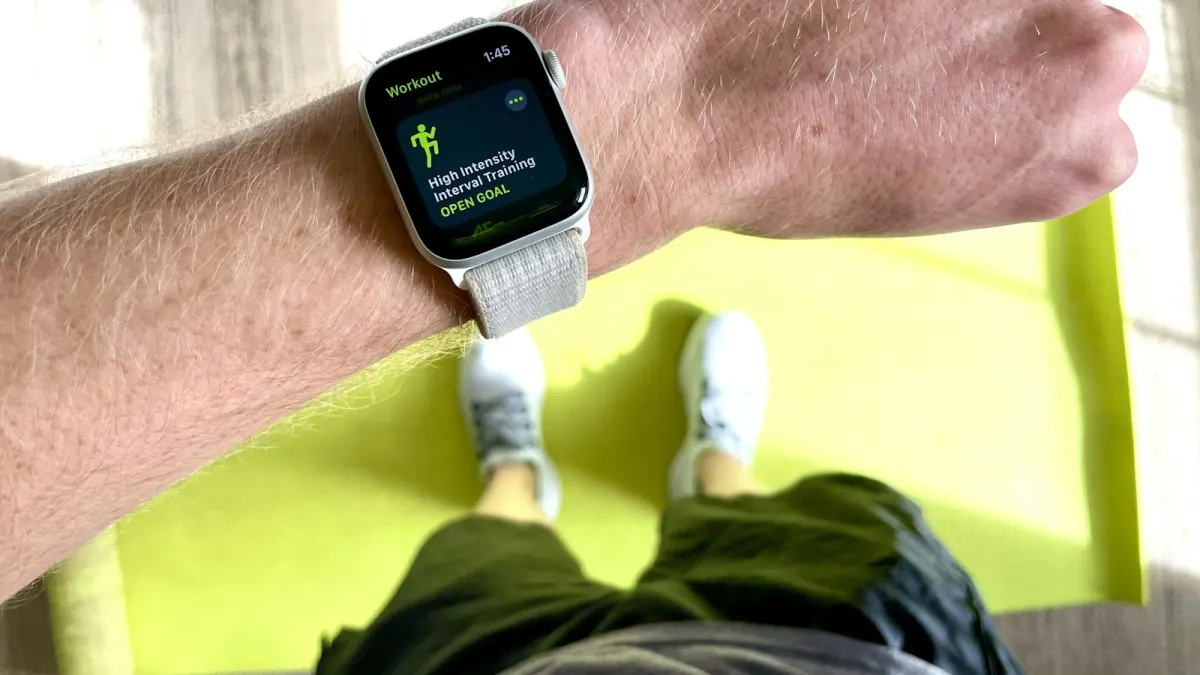
An Apple Watch, or any smartwatch, is useful for weight lifting in specific ways: it tracks session time, heart rate trends and rest well, it’s convenient for timers and notifications, and with the right app it lets you log sets from your wrist without touching your phone. What it does badly is calories, and it can’t tell what you lifted unless you log it. Think of it as a remote control for your training log, not as a coach that measures your strength work.
What a smartwatch measures well
Time and structure
Session duration, start and end times, and how long you actually rest. Rest drifting from 2 minutes to 5 without you noticing is a common reason for long, unproductive sessions. A timer on your wrist fixes that. See how long to rest between sets.
Heart rate trends
Wrist heart rate sensors are reasonably good at rest and during steady activity. In a study of several wrist devices, Shcherbina and colleagues (2017) found heart rate was generally measured with modest error. Useful for lifters:
- Resting heart rate over weeks: a rising trend can hint at poor recovery or illness.
- Recovery between sets: how fast your heart rate comes down.
- Conditioning work: circuits, cardio finishers.
Consistency and activity
Daily steps, active minutes, workout streaks. Helpful context if you’re cutting or trying to move more on rest days.
Sleep
Most watches estimate sleep duration reasonably; sleep stages are less reliable. Duration and regularity are the numbers that matter most for recovery; see sleep and muscle growth.
What it measures badly
Calories during lifting
This is the big one. The same study by Shcherbina and colleagues found that none of the devices tested estimated energy expenditure within 20 % error, with some far off. For resistance exercise specifically, Boudreaux and colleagues (2018) found wearables were less accurate for both heart rate and energy expenditure during lifting than during cycling.
Why lifting is hard to measure:
- Effort comes in short bursts with long rests.
- Heart rate rises with straining and breath-holding, not only with energy use.
- Gripping and wrist flexion can disturb the optical sensor.
What to do: don’t “eat back” your watch calories, and don’t use them to decide your diet. If you’re tracking food, use the scale and your weekly average weight instead; see calorie deficit.
Exercises, weights and reps
Some watches attempt automatic rep counting. It’s hit-and-miss for most gym exercises, and no watch can know the weight on the bar. For lifting, you need to log those yourself, ideally in a way that takes seconds.
Logging sets from your wrist
This is where a watch really earns its place in the gym. Instead of unlocking your phone, scrolling and typing between sets:
- Glance at your wrist to see the next exercise and last session’s numbers.
- Adjust weight or reps with the crown if needed.
- Tap to log the set.
- The rest timer starts and buzzes when it’s time to go.
Your phone stays in your bag, which also means fewer distractions mid-session.
Brick’s Apple Watch app works this way. You see each set with last time’s weight and reps, adjust with the Digital Crown, and log with a tap; the rest timer runs on the watch and sessions sync with your iPhone. On the iPhone, the timer also appears as a Live Activity on the Lock Screen. Apple Watch support is included in the free tier.
A session with a watch, start to finish
Here’s what a typical lifting session looks like when the watch does the admin:
- Start the workout on your watch as you walk onto the gym floor. Your phone goes in the locker or bag.
- Warm-up sets: log them or skip them, depending on your habit. Many lifters log only working sets.
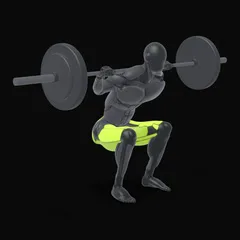
- First working set of squats: the watch shows 100 kg × 5 from last week. You add 2.5 kg with the crown, do your set, tap to log.
- Rest: the timer starts by itself. You walk around, drink, and the watch taps your wrist at 3 minutes.
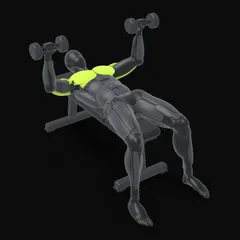
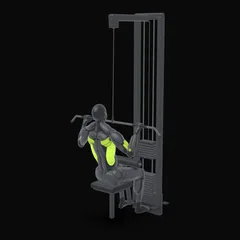
- Supersets of pulldowns and dumbbell presses: log each set as you finish it, rest after the pair.
- End the workout: total time, sets and heart rate are saved, and the session appears on your phone with PRs flagged.
No phone in your hand for an hour, and every set recorded. That’s the real value of a watch for lifters.
Smartwatches beyond the Apple Watch
Most of this applies to any smartwatch. Wear OS and Garmin watches also measure heart rate and duration with similar strengths and weaknesses, and their calorie estimates for lifting are just as rough. The key question for any watch is the same: can you log sets with your previous numbers in a few taps, and does the rest timer alert you reliably?
Practical tips for lifting with a watch
- Position: wear it a finger’s width above the wrist bone. Move it up the forearm for exercises where it digs in, like front squats, push-ups or wrist curls.
- Workout type: use a strength training workout so heart rate is sampled during the session.
- Haptics on: you’ll feel the rest timer end even with music in your ears.
- Protect it: a screen protector or bumper helps around dumbbells and racks.
- Lock the screen if sweaty wrists trigger accidental taps.
Which watch features matter for lifters
| Feature | Importance for lifting |
|---|---|
| Logging sets with last session’s numbers | High |
| Rest timer with haptic alert | High |
| Heart rate during sessions | Medium |
| Resting heart rate trend | Medium |
| Sleep duration | Medium |
| Auto rep counting | Low (unreliable) |
| Calorie estimate | Low (inaccurate) |
Do you need a smartwatch to lift?
No. A phone or a notebook does the logging job. A watch is a convenience upgrade: faster logging, less phone time, rest timing on your wrist. If you already own one, use it; if you’re considering buying one just for lifting, think about whether those conveniences are worth it to you.
Whatever you use, the log is what drives progress: see how to keep a workout log and how to choose a workout app.
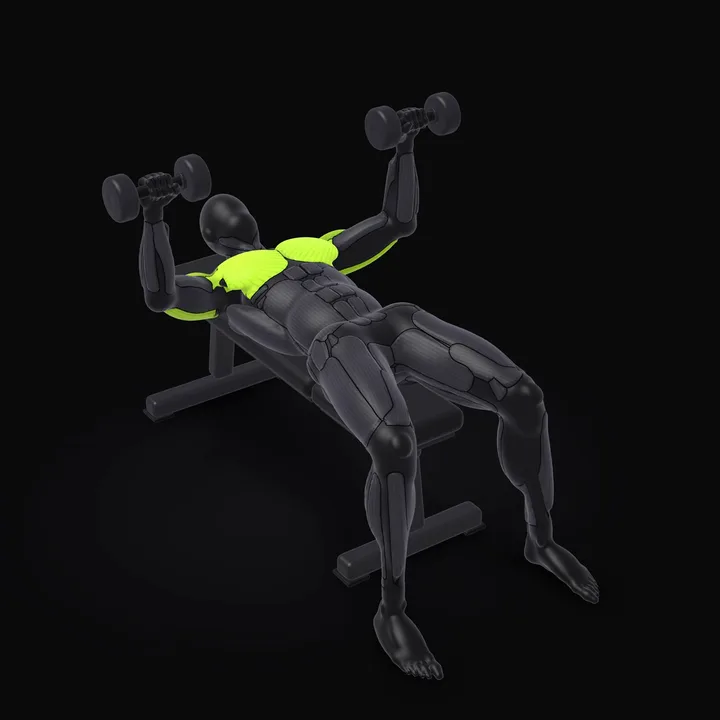 Dumbbell Bench PressSit on the end of the bench with the dumbbells on your thighs, then lie back bringing them beside your chest. Keep your feet on the floor and your shoulder blades pulled back.How to do the Dumbbell Bench Press →
Frequently asked questions
Does the Apple Watch track weight lifting?
It tracks the session: duration, heart rate and an estimate of calories, using the Strength Training workout type. It doesn't know which exercises you did, the weights or the reps unless you use an app that lets you log them on the watch.
How accurate is the Apple Watch for calories during weight lifting?
Not very. Wrist-based calorie estimates have large errors in general, and lifting is particularly hard to estimate because effort isn't continuous and heart rate doesn't reflect the load well. Use the number as a rough comparison between your own sessions, not as fact.
Is wrist heart rate accurate during lifting?
It's decent at rest and during steady cardio, less so during lifting, when gripping a bar and flexing the wrist can interfere with the sensor. A chest strap is more accurate if heart rate data really matters to you.
Should I wear my watch when lifting heavy?
Usually yes, but check it doesn't press into your wrist on presses and front squats. Some lifters move it higher on the forearm or wear it on the other wrist during specific exercises.
Sources
- Shcherbina A, Mattsson CM, Waggott D, Salisbury H, Christle JW, Hastie T, et al. (2017). Accuracy in wrist-worn, sensor-based measurements of heart rate and energy expenditure in a diverse cohort. Journal of Personalized Medicine
- Boudreaux BD, Hebert EP, Hollander DB, Williams BM, Cormier CL, Naquin MR, et al. (2018). Validity of wearable activity monitors during cycling and resistance exercise. Medicine & Science in Sports & Exercise