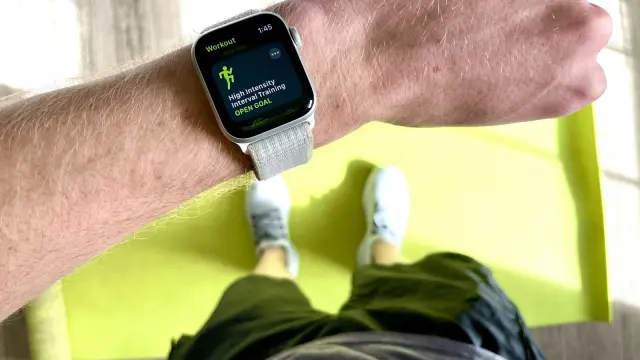
A workout log is a record of every session: date, exercise, weight, reps and sets, ideally with how hard each set felt. It’s the simplest tool for getting stronger, because it tells you exactly what to beat next time, shows whether your program is working, and stops you guessing. You can keep one on paper, in a spreadsheet or in an app; what matters is that you log every session and actually read it.
Why keep a workout log?
Progressive overload needs numbers
Muscle and strength come from doing a little more over time: one more rep, a bit more weight. If you can’t remember what you did last week, you can’t do more. You end up repeating the same weights for months, or jumping too fast. Our guide to progressive overload explains the method; a log makes it possible.
Seeing progress keeps you going
A meta-analysis by Harkin and colleagues (2016) found that monitoring progress toward a goal makes people more likely to reach it, especially when progress is physically recorded. Flipping back three months and seeing your squat went from 60 to 85 kg is powerful motivation.
It makes problems visible
Stalled for three weeks? Dropping reps every session? A log shows it immediately, so you can adjust before months are wasted. See how to break a plateau.
What to record
Essentials
| Field | Example |
|---|---|
| Date | 14 Oct |
| Exercise | Bench press |
| Weight | 70 kg (155 lb) |
| Reps per set | 8, 8, 7 |
| Number of sets | 3 |
Highly useful extras
- Effort: reps in reserve (RIR) or RPE for your top or last set. “8 reps @ 2 RIR” tells you much more than “8 reps.” See RPE and RIR explained.
- Rest time between sets, at least roughly, so you’re comparing like with like.
- Notes: sleep, stress, pain, technique cues, equipment differences (“used the other bench, bar felt heavier”).
- Bodyweight, weekly, if your goal involves gaining or losing.
Nice to have
- Session duration
- Total sets per muscle per week
- Estimated one rep max for main lifts; see how to calculate one rep max
Paper vs spreadsheet vs app
| Paper notebook | Spreadsheet | App | |
|---|---|---|---|
| Speed to log | Medium | Slow on a phone | Fastest |
| Shows last session automatically | No (flip pages) | Partly (with setup) | Yes |
| Calculates 1RM, volume, PRs | No | Yes, with formulas | Yes |
| Charts | No | Yes, with effort | Yes |
| Works without battery/signal | Yes | No | Usually yes |
| Distraction risk | None | Medium | Depends on you |
| Risk of losing it | High | Low (cloud) | Low |
Any of them is far better than nothing. Paper suits people who want to stay off their phone. Spreadsheets suit people who enjoy building their own system. Apps suit people who want logging to take seconds and the calculations done for them.
A simple log template
If you use paper or a spreadsheet, a layout like this works:
| Exercise | Last time | Today, set 1 | Set 2 | Set 3 | RIR | Notes |
|---|---|---|---|---|---|---|
| Squat | 80 × 6, 6, 5 | 80 × 6 | 80 × 6 | 80 × 6 | 1 | Depth good |
| Bench press | 70 × 8, 8, 7 | 70 × 8 | 70 × 8 | 70 × 8 | 1 | Next: 72.5 |
| Lateral raise | 10 × 15, 14, 12 | 10 × 15 | 10 × 15 | 10 × 13 | 0 |
The “last time” column is the most important one. Writing it before you start each exercise is what makes progressive overload automatic.
Logging different kinds of exercises
Not everything is “weight × reps” on a barbell. A few conventions keep your log consistent:
- Dumbbells: decide once whether you log the weight of one dumbbell or the total in your hands, and stick to it. Brick logs the total in hand, so two 20 kg dumbbells are 40 kg, which makes dumbbell and barbell numbers easier to compare.
- Bodyweight exercises: log reps, and added weight if you use a belt or vest. For assisted pull-ups, note the assistance.
- Timed holds like planks or carries: log seconds (and load for carries).
- Machines: note the machine or gym if you train in more than one place; stacks differ a lot between brands.
- Unilateral work: log reps per side, and note which side if one is weaker.
- Cardio: duration and distance or average pace are enough for most lifters.
How to read your log
Every 3–4 weeks, look back and ask:
- Are my main lifts going up? In weight, in reps at the same weight, or both.
- Which lift is stuck? Two to three weeks without progress is a signal.
- Is my effort drifting? Same reps but harder each week suggests fatigue.
- Am I consistent? Count sessions per week. Gaps often explain stalls.
- What worked best? Compare blocks: which rep ranges, frequency or exercises gave the most progress?
| What you see | What it suggests |
|---|---|
| Reps or weight rising steadily | Keep going |
| Flat for 2–3 weeks, feeling fine | Change rep range, add a set, or adjust exercise |
| Dropping across several lifts, feeling tired | Recovery issue: sleep, food, or a deload |
| One lift stuck while others rise | Technique or exercise-specific issue |
How Brick handles your log
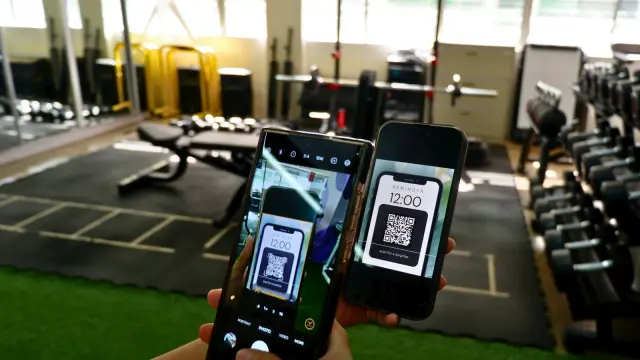
Brick is built around exactly this workflow. Open your routine and each exercise shows what you did last time, set by set, so the “last time” column is already filled in. Log a set with one tap (or from your Apple Watch with the Digital Crown), and the rest timer starts on its own. PRs are detected automatically, every set feeds an estimated 1RM trend for that exercise, and the calendar and weekly streaks show your consistency at a glance. If you’ve kept logs elsewhere, you can import them from CSV, Excel, PDF or even screenshots, so your history isn’t lost.
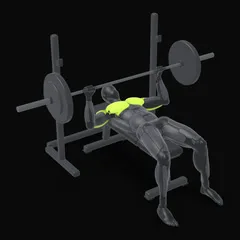
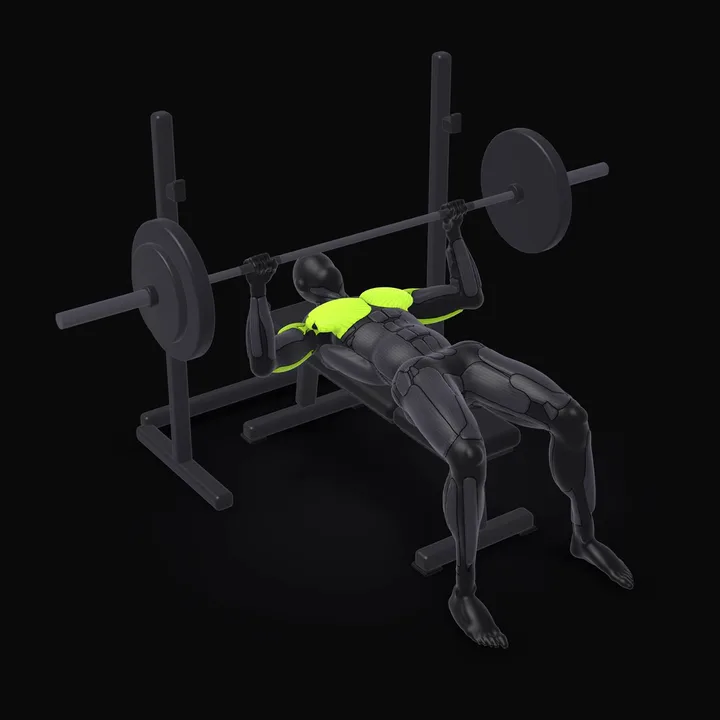 Barbell Bench PressLie on the bench with your eyes under the bar and your feet planted on the floor. Grip the bar slightly wider than shoulder width and pull your shoulder blades back and down.How to do the Barbell Bench Press →
Common logging mistakes
- Logging only “good” sessions. Bad days are data too.
- Changing exercise names (“bench,” “flat bench,” “BB bench”), which splits your history.
- Not logging effort, so you can’t tell an easy 8 from a grinder.
- Never reviewing it. A log you never read is just a diary.
- Over-complicating it. If logging takes longer than resting, simplify.
For how to choose a tool that fits you, see how to choose a workout app.
Frequently asked questions
What should I write in a workout log?
At minimum: date, exercise, weight, reps and sets. Adding how hard each set felt (reps in reserve or RPE), rest time and a short note about sleep, pain or technique makes the log much more useful for adjusting your training.
Is it better to log workouts on paper or in an app?
Both work if you use them consistently. Paper is simple and distraction-free; spreadsheets are flexible but fiddly on a phone; apps are fastest to log and calculate progress for you. Pick the one you'll actually use every session.
Should I log warm-up sets?
Optional. Many lifters only log working sets, which keeps the log clean. Logging warm-ups can help if you're returning from injury or want to track total volume precisely.
How long should I keep a workout log?
Forever, ideally. The longer your history, the more useful it becomes for seeing what worked, when you made your best progress, and what to do after a break.
Sources
- Harkin B, Webb TL, Chang BPI, Prestwich A, Conner M, Kellar I, Benn Y, Sheeran P (2016). Does monitoring goal progress promote goal attainment? A meta-analysis of the experimental evidence. Psychological Bulletin